PluginsThemesLanguage Packs

Herne Hosting Catalog

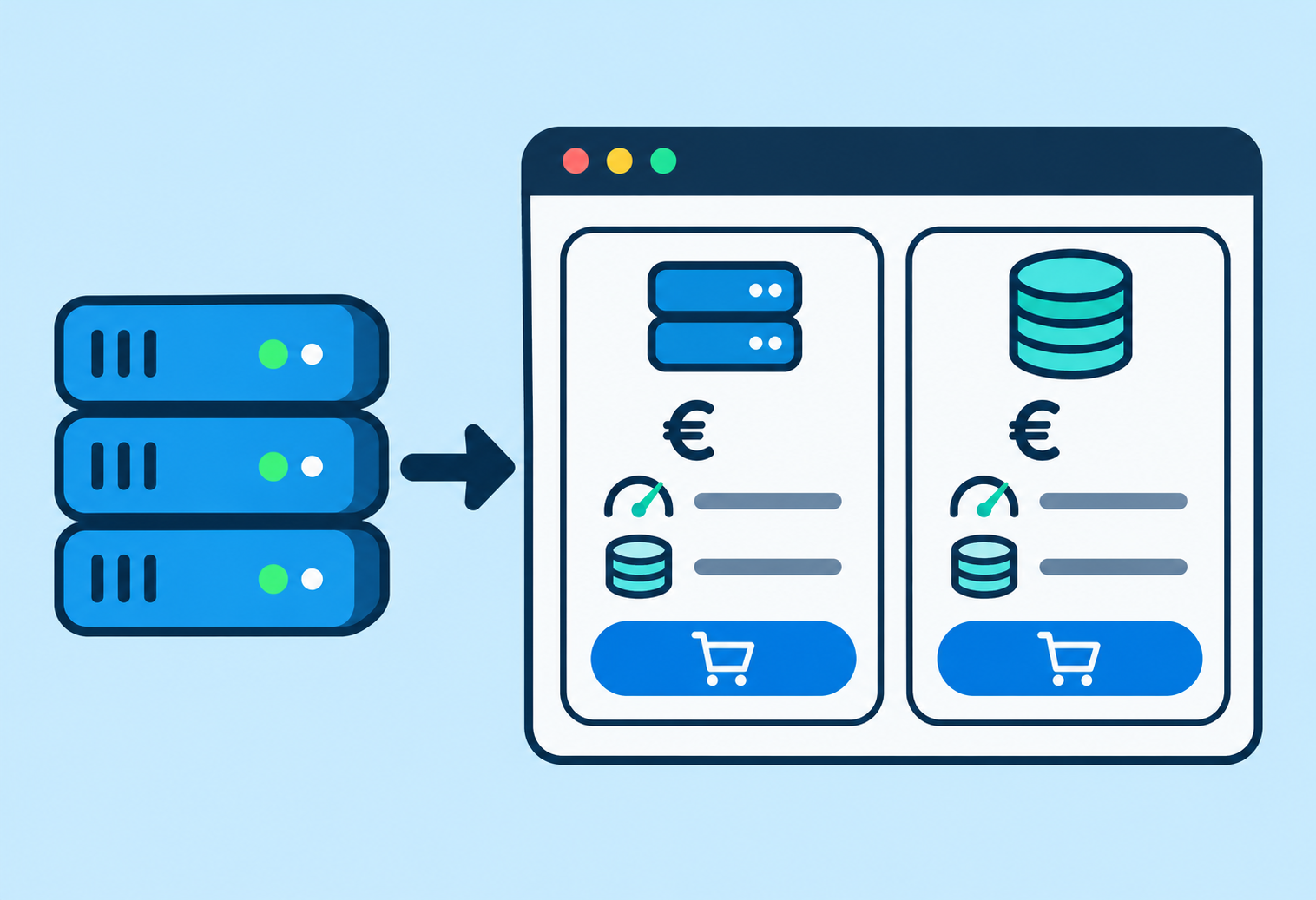
Render current hosting prices, limits, and purchase links from the Herne installation configured for each CMS site.

Free · Version 1.0.5 · 33 downloads
Install from your CMS

  1. In your CMS panel, go to System → Plugins → Browse plugin catalog.
  2. Find this plugin and select View plugin. Check compatibility, then select Install from catalog.
  3. Review the installed plugin under System → Plugins, then enable it.
Hosting plans with features, limits and purchase links

About this plugin

Render current hosting prices, limits, and purchase links from the Herne installation configured for each CMS site.

Current package

  • Version 1.0.5
  • Price · Free
  • Publisher · fklavye.net
  • 33 downloads

Before you install

  • WebBlocks CMS · ^1.143.3 · PHP >=8.3

Latest release notes

  • Read the installed plugin version from its manifest. This fixes the CMS startup check that rejected version 1.0.4.
  • Exercise the real CMS startup probe against the release ZIP in the plugin test suite.