PluginsThemesLanguage Packs

WebBlocks Campaigns

Send a templated email to your own customer list, with fields filled in per recipient.

Free · Version 0.7.10 · 125 downloads

Install from your CMS

  1. In your CMS panel, go to System → Plugins → Browse plugin catalog.
  2. Find this plugin and select View plugin. Check compatibility, then select Install from catalog.
  3. Review the installed plugin under System → Plugins, then enable it.
Email campaign editor and performance charts

About this plugin

Send a templated email to your own customer list, with the name, address and other fields filled in per recipient.
Current package

  • Version 0.7.10
  • Price · Free
  • License · MIT
  • Publisher · WebBlocks
  • 125 downloads

Before you install

  • WebBlocks CMS · ^1.116.0 · PHP ^8.3 · Laravel ^13.0

Latest release notes

  • Use sentence case for the setup heading.
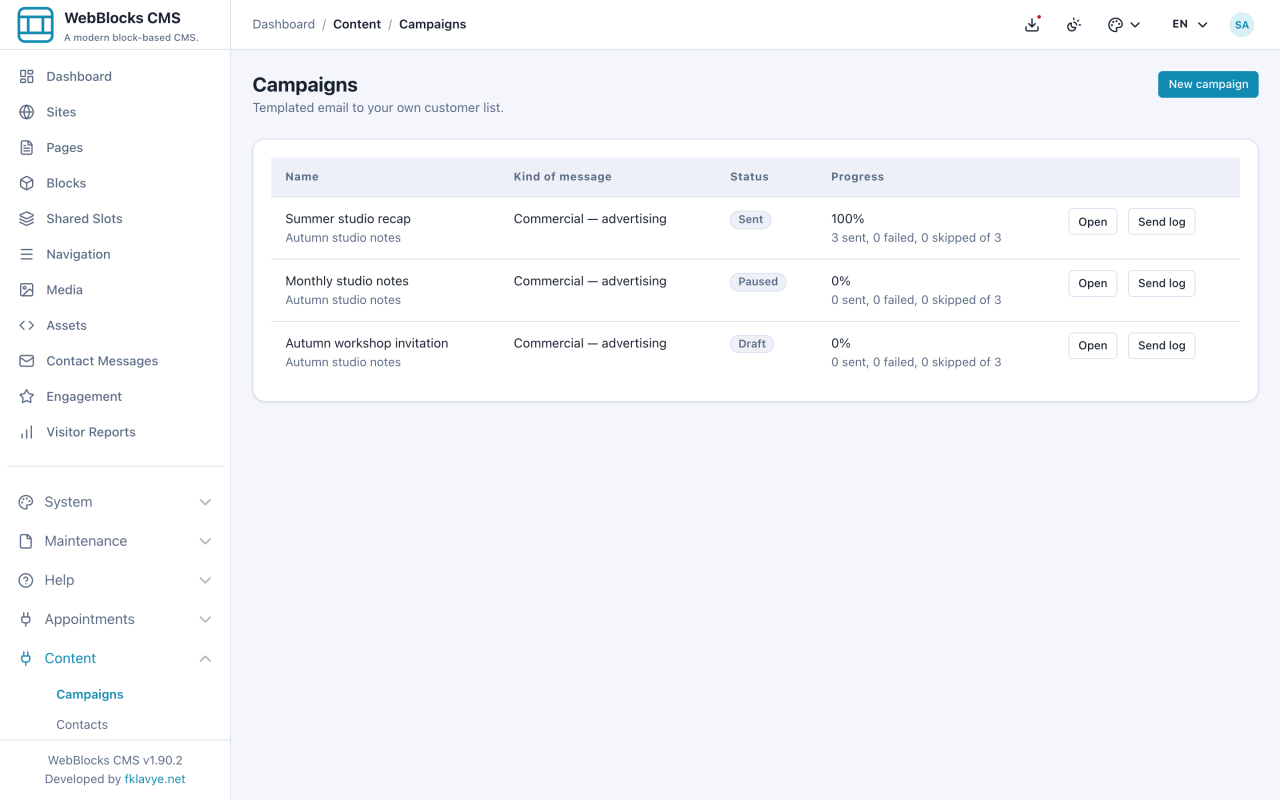
Campaign list with draft, paused and completed examples.
Showcase reference: WebBlocks CMS 1.90.2 · English interface · synthetic Northstar Studio data.