PluginsThemesLanguage Packs

WebBlocks Support

Connect WebBlocks CMS to a compatible support provider and manage tickets from the admin panel.

Free · Version 0.4.0 · 110 downloads
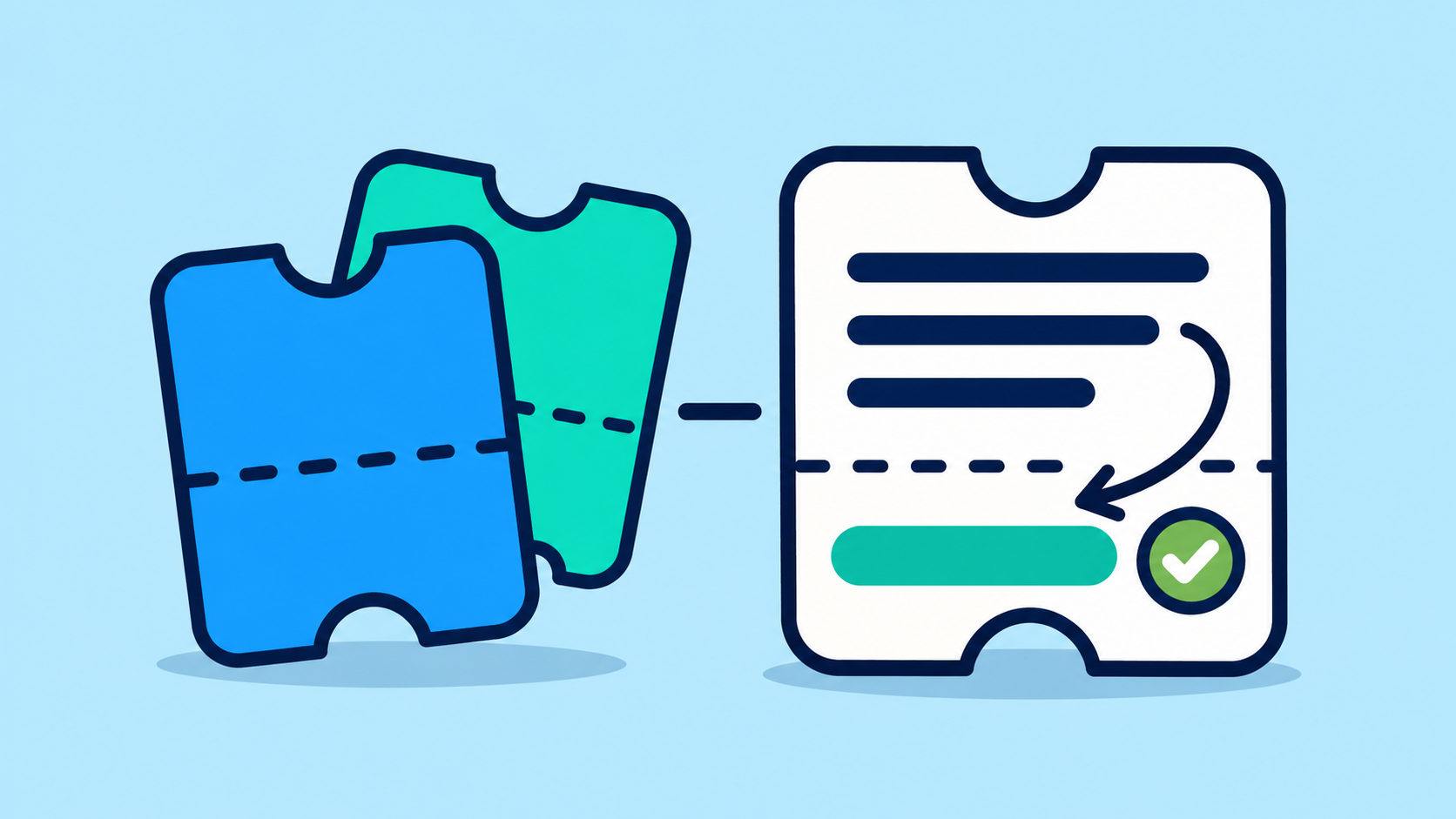
Install from your CMS

  1. In your CMS panel, go to System → Plugins → Browse plugin catalog.
  2. Find this plugin and select View plugin. Check compatibility, then select Install from catalog.
  3. Review the installed plugin under System → Plugins, then enable it.
Support ticket list, conversation and ticket details

About this plugin

Connect WebBlocks CMS to any compatible support provider and manage tickets from the admin panel.
Current package

  • Version 0.4.0
  • Price · Free
  • License · MIT
  • Publisher · WebBlocks
  • 110 downloads

Before you install

  • WebBlocks CMS · ^1.125.0 · PHP ^8.4 · Laravel ^13.0

Latest release notes

  • Add impact, onset and last-action context, explicit reviewed reports and installation-wide diagnostic authorization on CMS 1.125.0.
  • Negotiate retry-safe recovery intake and independent provider/tracking links while retaining Protocol 1.0 ticket compatibility. Preserve text on uncertain delivery and keep provider credentials server-side.
  • Store negotiated capabilities and private tracking links relationally; existing legacy capability values are imported once without expanding the old JSON column.
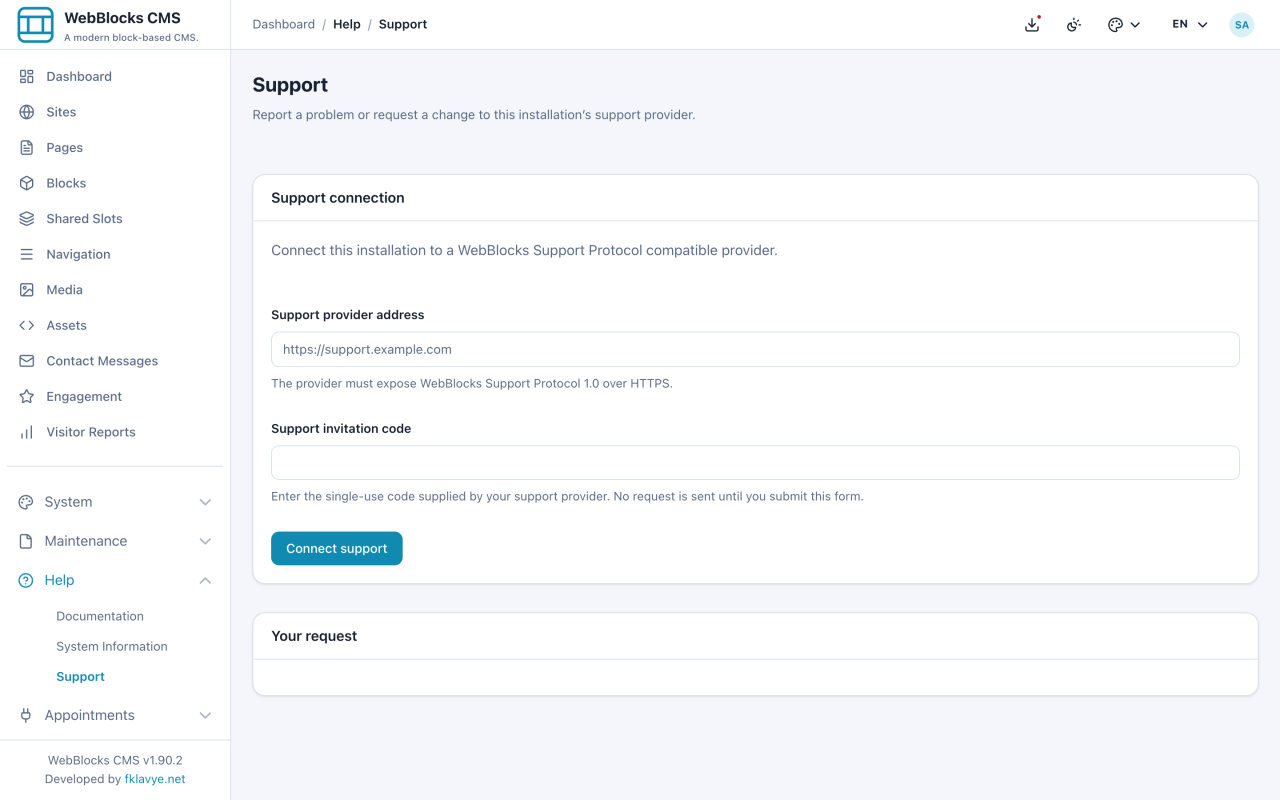
Support provider connection form before any connection.
Showcase reference: WebBlocks CMS 1.90.2 · English interface · synthetic Northstar Studio data.