PluginsThemesLanguage Packs
← Language Packs

Русский (ru)

Install from your CMS

  1. In your CMS panel, open System → Panel languages → Browse Extensions.
  2. Find Русский for your exact CMS version. Choose Install for the Full CMS pack. For Panel only, import the catalog for review and activate it in Panel languages.
  3. Choose the installed language in the toolbar or your profile. To make it the default for the panel, use Panel languages → Settings.

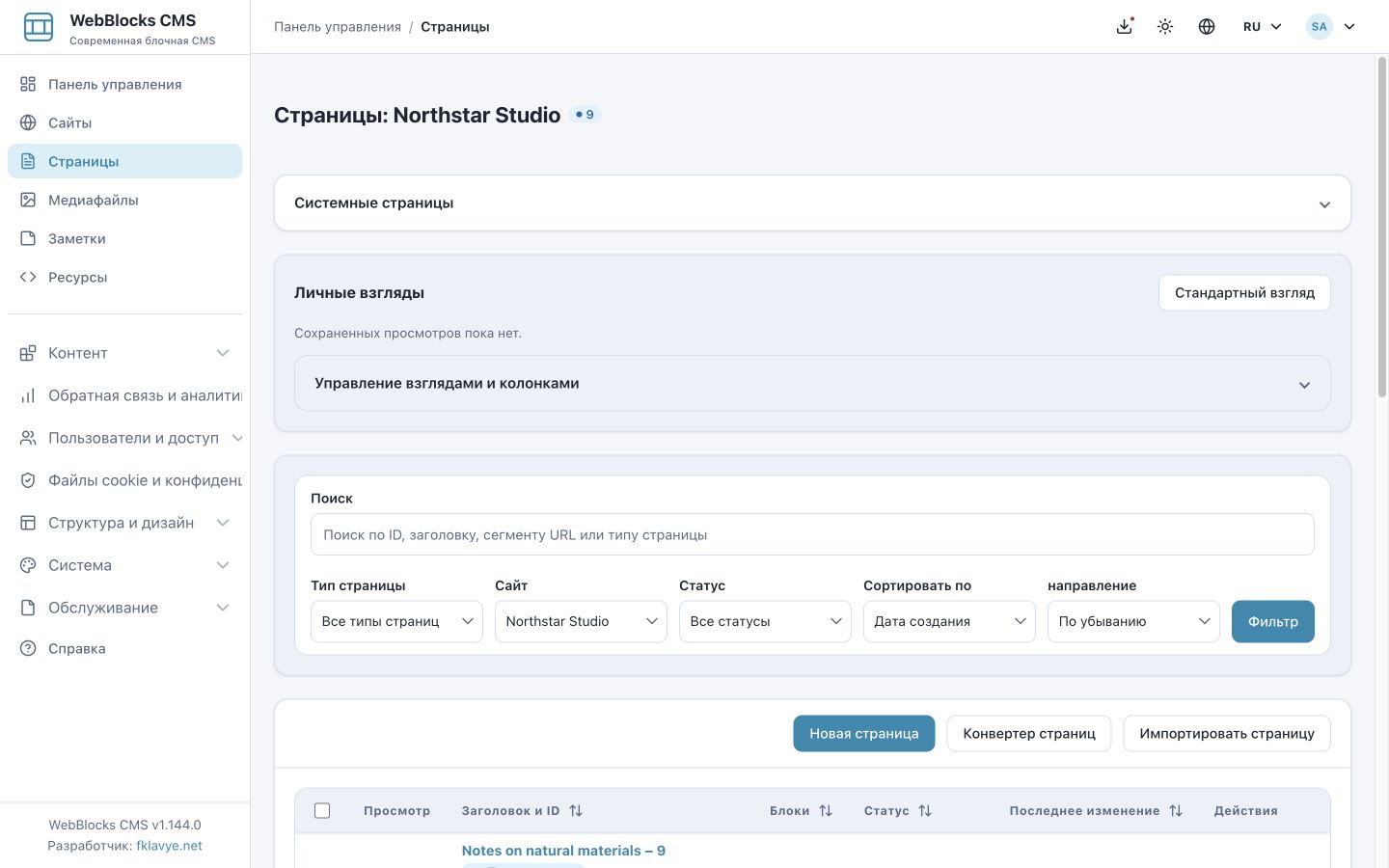
Preview the panel

Northstar Studio Pages in the Russian CMS panel

Compatibility and releases

Package version 1.3.0

Full localization (ZIP)

Translations for the CMS panel, public system interface, validation, CMS email templates, MCP, and the CMS updater.

WebBlocks CMS 1.144.21 only · 7,496 messages · 38 groups ·

Full Russian localization for WebBlocks CMS 1.144.21, including the language pack catalog.

Package version 1.2.0

Full localization (ZIP)

Translations for the CMS panel, public system interface, validation, CMS email templates, MCP, and the CMS updater.

WebBlocks CMS 1.144.8 only · 7,458 messages · 38 groups ·

Panel catalog (JSON)

Translations for the CMS panel import catalog.

WebBlocks CMS 1.144.8 only · 6,741 messages · 28 groups ·

Package version 1.1.0

Panel catalog (JSON)

Translations for the CMS panel import catalog.

WebBlocks CMS 1.144.0 only · 6,720 messages · 27 groups ·

Full localization (ZIP)

Translations for the CMS panel, public system interface, validation, CMS email templates, MCP, and the CMS updater.

WebBlocks CMS 1.144.0 only · 7,432 messages · 37 groups ·

Package version 1.0.0

Panel catalog (JSON)

Translations for the CMS panel import catalog.

WebBlocks CMS 1.143.5 only · 6,702 messages · 27 groups ·