1.0.0
CMS ^1.134.0 · UI ^2.35.1 · MIT
Layouts: article, columns, default, docs
First public release. Styles the Default, Docs, and Columns layouts, including optional left and right sidebars, and supports existing Article Layout pages.
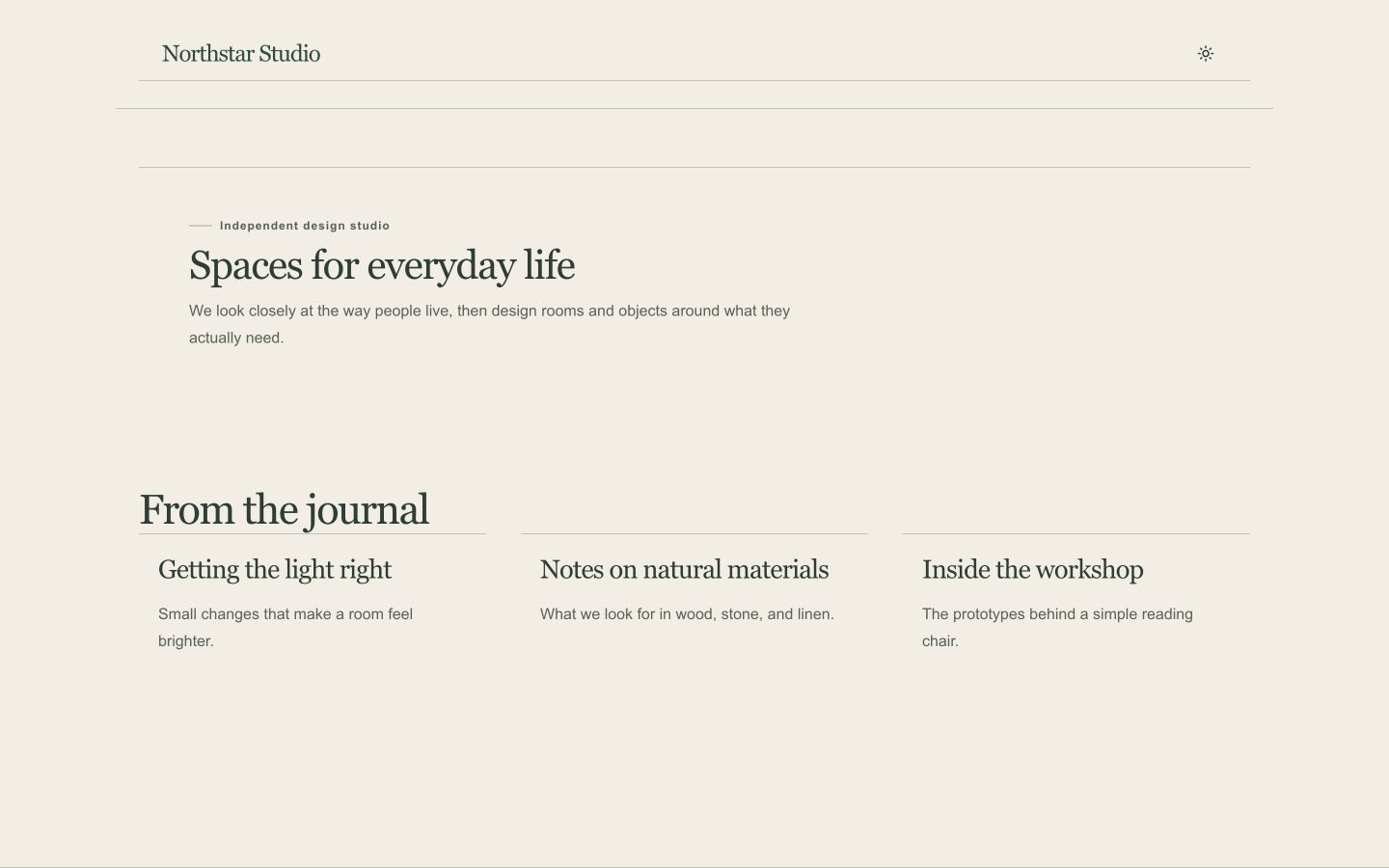
Serif headings, warm neutrals, and generous spacing for journals, documentation, and studio sites.
CMS ^1.134.0 · UI ^2.35.1 · MIT
Layouts: article, columns, default, docs
First public release. Styles the Default, Docs, and Columns layouts, including optional left and right sidebars, and supports existing Article Layout pages.